> For the complete documentation index, see [llms.txt](https://docs.inopli.com/llms.txt). Markdown versions of documentation pages are available by appending `.md` to page URLs; this page is available as [Markdown](https://docs.inopli.com/response/rules/playbooks.md).
# Playbooks
The dashboard integrates with the correlation rules, providing management of responses to security incidents. Through a paginated list, the dashboard allows for the addition, editing, deletion, and activation of playbooks in an intuitive and organized manner.
The ability to activate or deactivate playbooks as needed ensures that responses to incidents are prompt.
Overview Playbooks Dashboard
***
## Creating a Playbook
### Identification
* **Nome:** Must be descriptive, clearly reflecting the purpose and scope of the playbook.
* **Visibilidade:**
1. **DEFAULT:** This category includes general use playbooks. They are designed to be applicable in a wide range of scenarios and companies.
2. **ADVANCED:** Playbooks in this category are customized for the specific needs of a company. They are detailed and focused on particular scenarios, reflecting the policies, infrastructure, and specific security risks of the company.
Identification Stage
***
### Phases of Incident Response
It is possible to manage treatment steps for each of the incident response phases, as outlined by the most renowned market frameworks, with the possibility of assigning the responsibility of the stage to the MSP or the company.
The stages are:
1. **Preparation:** Prepare the incident response team to efficiently deal with potential threats. (E.g., Team training, creation and updating of documentation).
2. **Identification:** The first active response stage, where the veracity of the incident is determined. Detailed analysis to confirm whether the incident is a false positive or a real threat.
3. **Containment:** Implemented only if the incident is confirmed. Execute measures to prevent the spread of the threat (e.g., isolation of systems or network segmentation).
4. **Eradication:** Identify and eliminate the root cause of the incident (e.g., Removal of malware, correction of vulnerabilities, and strengthening of security controls).
5. **Recovery:** Take the necessary measures to return the environment to normal operation (e.g., Verification of system integrity, data restoration from backups, and post-recovery monitoring).
Phase of Incident Response Example
***
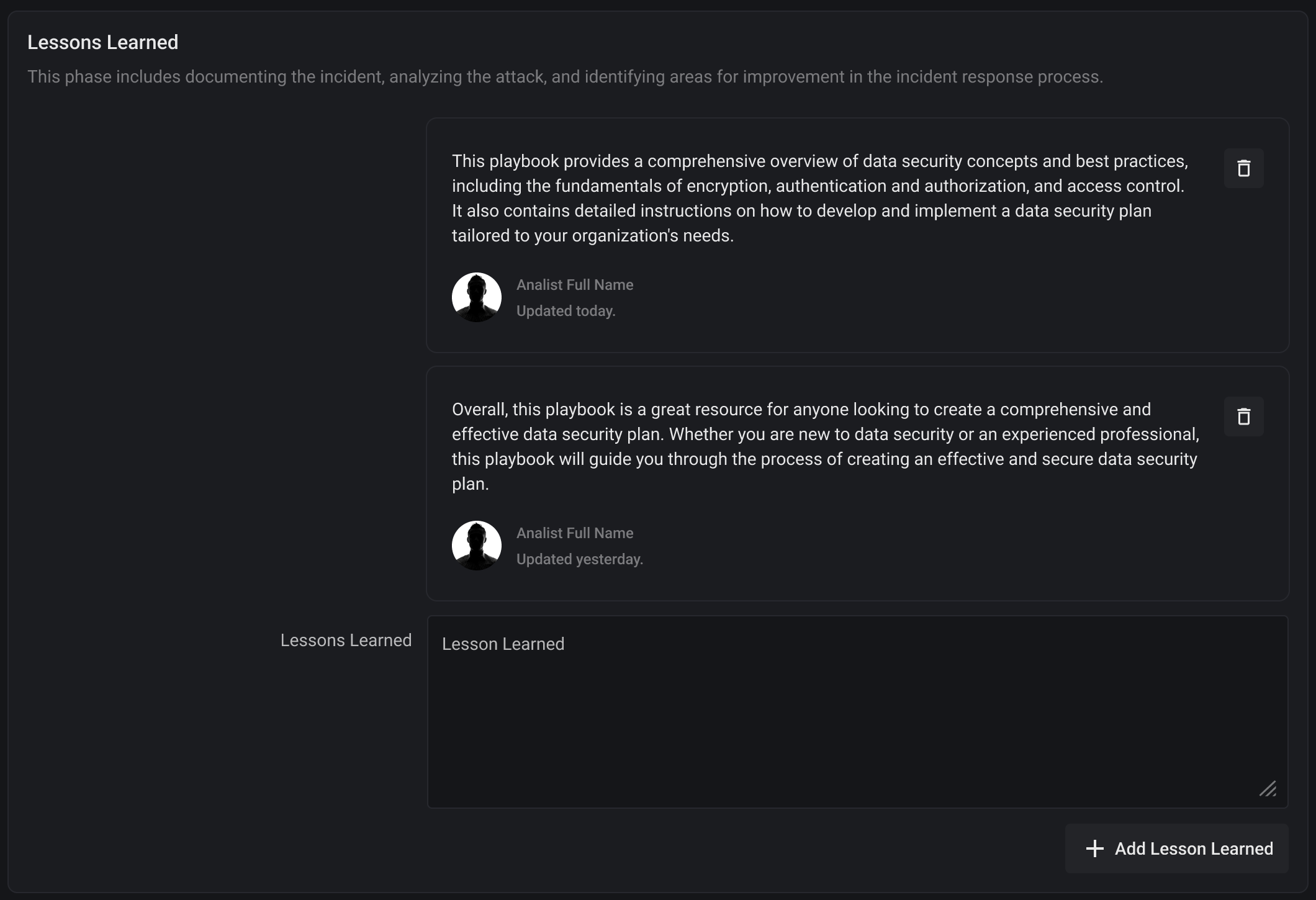
### Lessons Learned
Reserved space to describe strategies in the post-incident analysis to identify improvements in the playbook and security practices.
Lessons Learned Stage
***
### Comments
Space for the security team to leave notes and important observations about the playbook.
Comments Stage
***
### Versioning
Space to document the revision with each update of the playbook, providing a detailed history and an audit trail.
{% hint style="danger" %}
Whenever the playbook is updated, it is necessary to provide a description of the new version.
{% endhint %}